tools.
What runs under the hood.
[ why linux ]
I switched to Linux because I wanted to actually understand my environment — not just use it. The ability to configure everything from the window manager to the font rendering without hitting invisible walls is something I can't go back from.
There's something satisfying about a setup that does exactly what you tell it to, nothing more. No background services you didn't ask for, no UI decisions made for you. It keeps me focused and, honestly, makes development feel less like fighting the OS and more like working with it.
[ setup ]
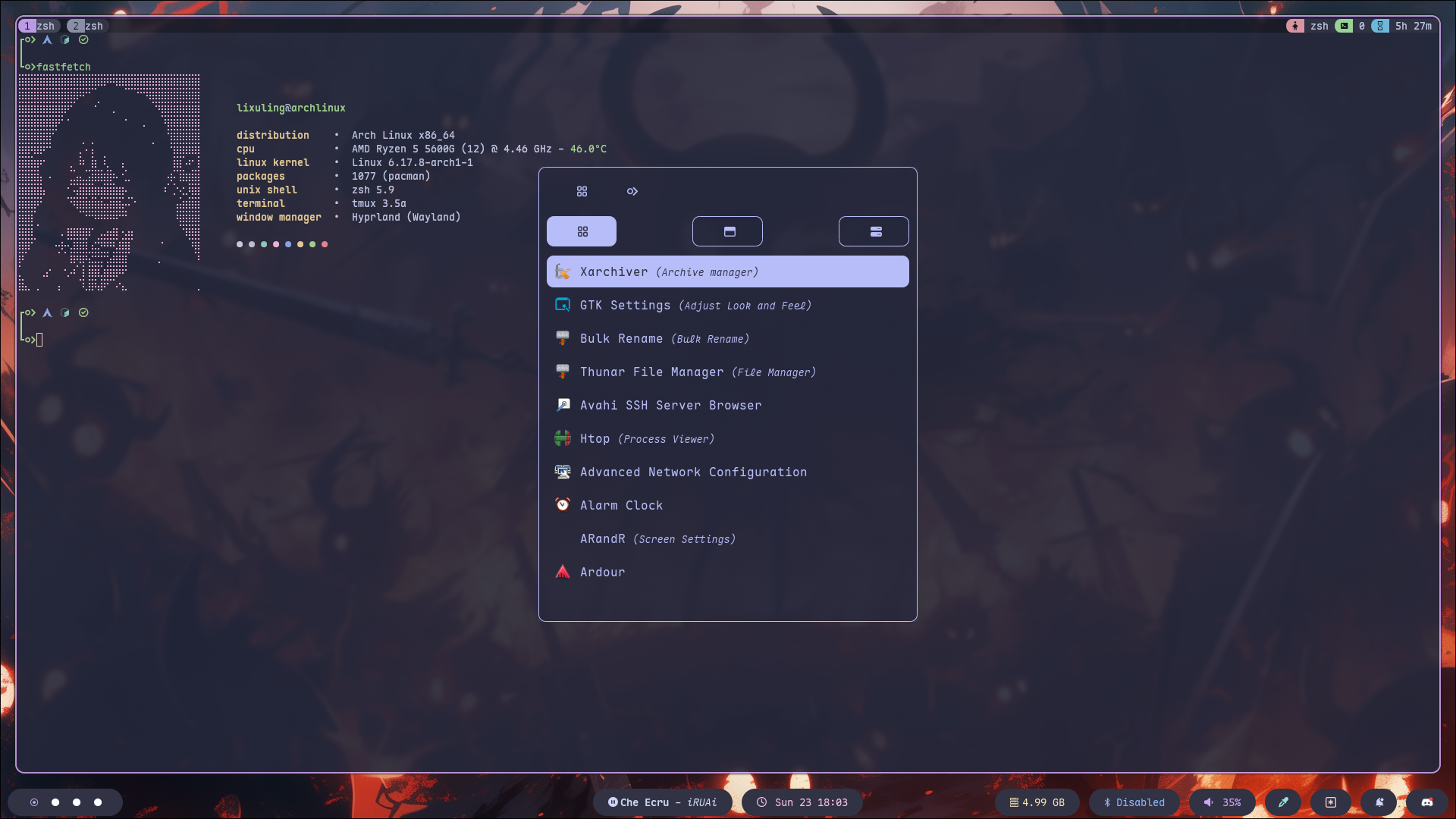
Rolling release distro. Minimal base, you build exactly what you want on top of it.
Modal editor. Steep curve, high ceiling. Fast and keyboard-driven.
Fast native terminal with custom shader support. Running a glow shader on top for that extra character bloom.
Zsh for the shell, Starship for a minimal and fast cross-shell prompt.
Dynamic tiling Wayland compositor. Smooth animations, highly configurable.
Session and window management inside the terminal. Keeps workflows persistent.
Wayland status bar. Shows what matters, hides the rest.
Keyboard-driven application launcher and switcher.
Notification daemon with a clean notification center panel.
Hyprland-native wallpaper utility. Fast, wayland-native, no flicker on workspace switch.
Hyprland-native lock screen. Minimal and consistent with the rest of the setup.
Monospace font with ligatures. Readable at small sizes in both the editor and terminal.